Invoicing as Easy as Sending a Text
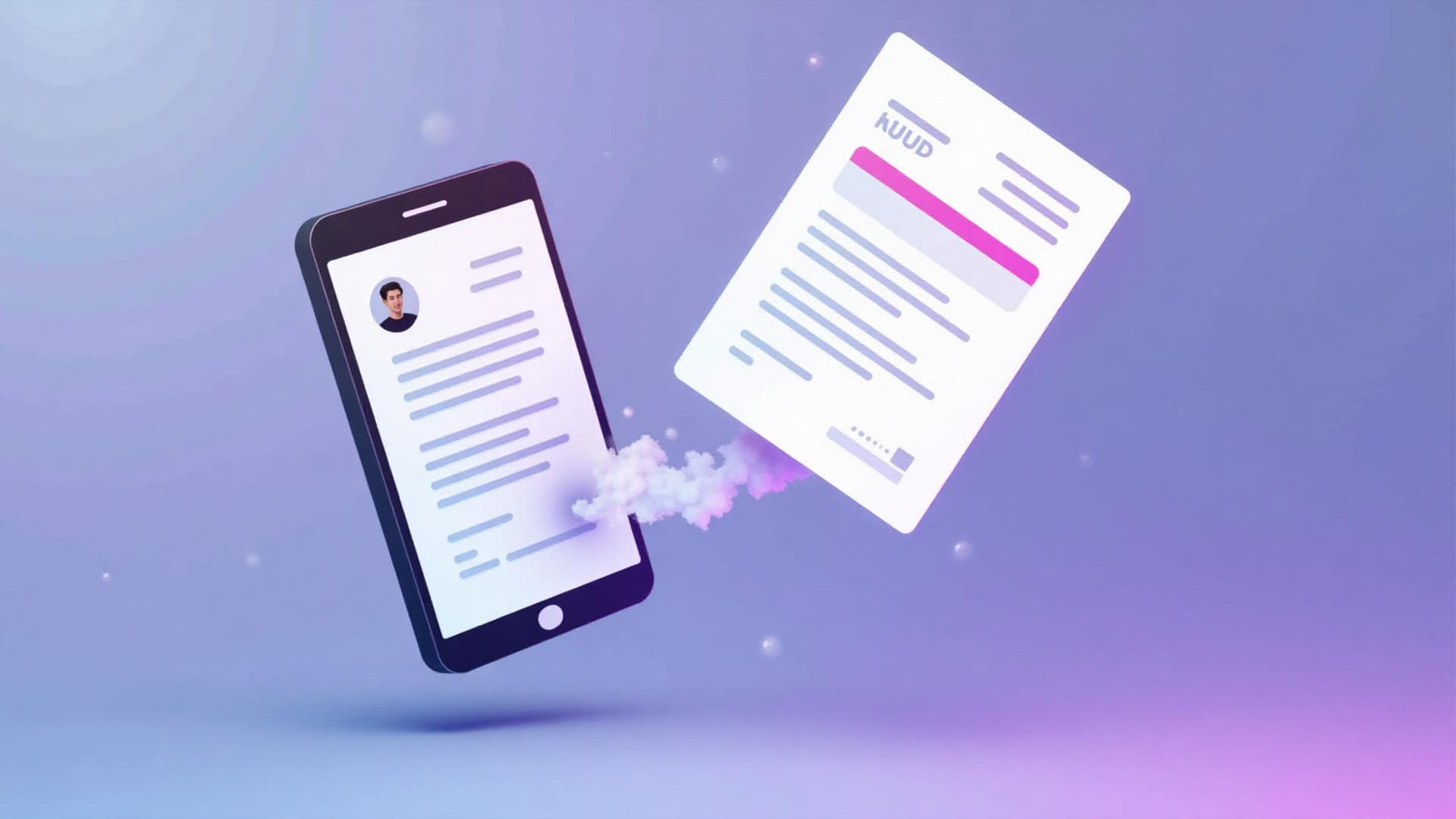
Our AI-powered system turns your simple text messages into professional, ready-to-send PDF invoices. Get paid faster with less effort.
By creating an account you agree to our Terms of Service and Privacy Policy
No credit card required — the Free plan is free forever
Everything You Need to Get Paid
Powerful features designed for freelancers and small business owners
Effortless Invoicing
Create invoices on the go, from anywhere. No need to sit at a computer or use complicated software.
Professional Results
Generate beautiful, branded PDF invoices every time. Your clients will see you as the professional you are.
Stay Organized
Track all your invoices and clients in one place. Never lose track of who owes you what.
Intelligent Parsing
Our AI understands dates, line items, taxes, and more. It learns from your patterns to get smarter over time.
How It Works
From text message to professional invoice in three simple steps
Text Your Invoice Details
Compose a text message with the invoice information (client, services, quantities, rates, and due date). Our system accepts simple, natural-language input.
Receive an Invoice Email
You will receive a professionally formatted invoice by email containing a secure link and a QR code that points directly to the invoice.
Share with Your Customers
Present the QR code in person or simply forward the invoice email to your customer to deliver the invoice and payment link.
Loved by Professionals
See what freelancers and business owners are saying
"This app has saved me hours each month! I can create invoices while commuting or between meetings. It's a game-changer."
"Finally, invoicing that doesn't feel like a chore. The text message feature is brilliant - I can invoice right after finishing a client call."
"The professional PDFs are exactly what I need. My clients love how polished they look, and I love how little time it takes to create them."
Simple, Transparent Pricing
Start free. Upgrade only when invoicing volume grows. No hidden fees.
Free
Free during beta — up to 50 invoices per day
- Create invoices by text
- Professional PDF invoices
- Email delivery (secure link + QR)
- Dashboard, clients & invoice tracking
- Community support
Pro
- Everything in Free
- Higher monthly volume
- Custom branding (coming soon)
- Priority support
Frequently Asked Questions
Everything you need to know about Text-to-Invoice
Creating an invoice is as simple as sending a text message. You text the invoice details — client name, line items, amounts, and payment terms — to your assigned phone number. Our AI-powered parser extracts the structured data from your message, applies your business branding and settings, and generates a professional PDF invoice within seconds.
Once the invoice is generated, you can review it, make any edits, and send it directly to your client via email or a shareable link. The entire process takes less than a minute from text to sent invoice.
The AI parser is designed to understand natural language, so you don't need a rigid format. Just include the essentials:
- Client name — "John at Acme Corp" or just a name from your saved client list
- Line items — quantities and rates, e.g. "5 hours web development at $85/hr" or "Logo design at $300"
- Payment terms — "Net 15", "Due on receipt", or a specific date
You can also include optional details like PO numbers, project codes, tax rates, and custom notes. The more context you provide, the more complete your invoice will be.
Yes. An invoice is fundamentally a request for payment — it is not a contract or a negotiable instrument. An invoice is legally valid regardless of how it is transmitted, whether by SMS, email, postal mail, or hand delivery.
The PDF invoices generated by Text-to-Invoice contain all the standard elements of a legally compliant invoice:
- Your business name, address, and contact information
- Client name and details
- Unique invoice number and issue date
- Itemized list of goods or services with quantities and rates
- Total amount due and payment terms
This meets the invoicing requirements across all major jurisdictions. We do recommend keeping records of all invoices you send for tax and accounting purposes.
We're in beta, so everything is free right now:
- Free during beta — Up to 50 invoices per day, no credit card required.
- Free plan (after launch) — Stays free for getting started.
- Pro ($9/month, after launch) — Higher monthly volume and priority support.
You can start free today and only upgrade later if you need more. See our pricing section for the full breakdown.
Absolutely — your clients do not need a Text-to-Invoice account. The service is entirely for you, the invoice sender. To deliver an invoice, you can:
- Send the invoice email — it contains a secure link and a QR code your client can use
- Forward that email, or show the QR code in person
- Copy a shareable link to send via text or any channel
Your client views the invoice online and can download the PDF from there — no sign-up needed. A downloadable PDF attached to the email is coming soon.
Getting started takes under a minute and doesn't require a credit card:
- Sign up — Go to text2invoice.dev and click "Start for Free". Enter your email and phone number.
- Set up your profile — Add your business name and address. This information appears automatically on every invoice.
- Get your number — You'll receive an assigned phone number dedicated to your invoice texts.
- Send your first invoice — Text your invoice details to your assigned number. The AI parses it, generates a PDF, and you can review and send it — all within seconds.
It's free during beta — up to 50 invoices per day — so you can try the full experience with no commitment.
Ready to Simplify Your Invoicing?
Join thousands of freelancers and small business owners who are getting paid faster with less effort.
By creating an account you agree to our Terms and Privacy Policy
No credit card required — the Free plan is free forever